
AutoStore Configurations
Port Configurations
Robot Queue
This settings can be set in the Console as well as via theconfigureportmethod.
This configuration sets the maximum number of robots allocated to a Port. This configuration was previously called Port Queue.
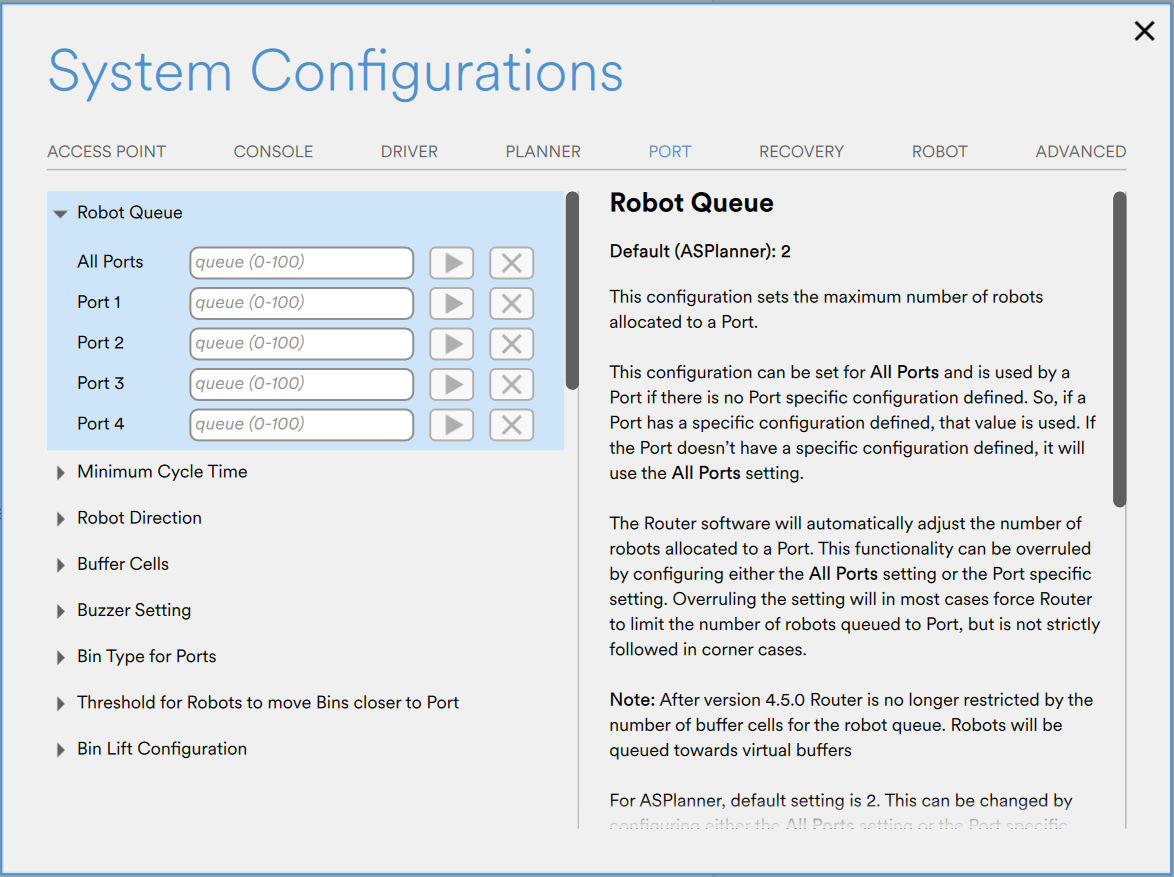
Settings in Console.
The Robot Queue should only be used to limit the number of robots working toward a port, and not to adjust for port speed. The default setting is recommended for most ports. Exceptions apply to cases where ports need to be limited, such as putaway ports.
At least one physical buffer cell per port cell is recommended. In most cases, this is sufficient, though in some situations, two buffer cells per port cell may slightly improve performance. More than two buffer cells per port cell is never necessary.
AS Router dynamically manages robot allocation per Port. This configuration acts as an upper limit in normal operation, but may be temporarily exceeded in exceptional or recovery scenarios to maintain overall system stability and throughput.
| Value | Description |
|---|---|
| No value | Use default configuration. For the AS Router this is the recommended setting for most ports. |
0 | This setting prevents robots from being pre-allocated to the Port and waiting in position. When a new bin is requested, a robot must first retrieve the bin and then deliver it to the Port. As a result, delivery times will be significantly longer. This configuration is only appropriate for very slow inspection or putaway Ports. |
1 | This setting allows one robot to wait above the Port with the next bin. When the bin is requested, the robot only needs to place it in the Port. Once the robot leaves, another robot will move into position above the Port with the subsequent bin. For AS Planner, this is appropriate for most putaway operations which usually take longer on the user side. |
2 | This setting allows one robot to be allocated to the Port with the next bin, while another robot is queued at the Buffer cell with the subsequent bin positioned above the Port. The second robot is positioned above the buffer location. For AS Planner, this configuration is for medium-performance Ports. |
3 or more | For AS Planner, this configuration is intended for fast-picking Ports. The value is often aligned with the expected number of picks per minute, although additional operational factors may also need to be considered. |
Minimum Cycle Time
This settings can only be set in the Console.
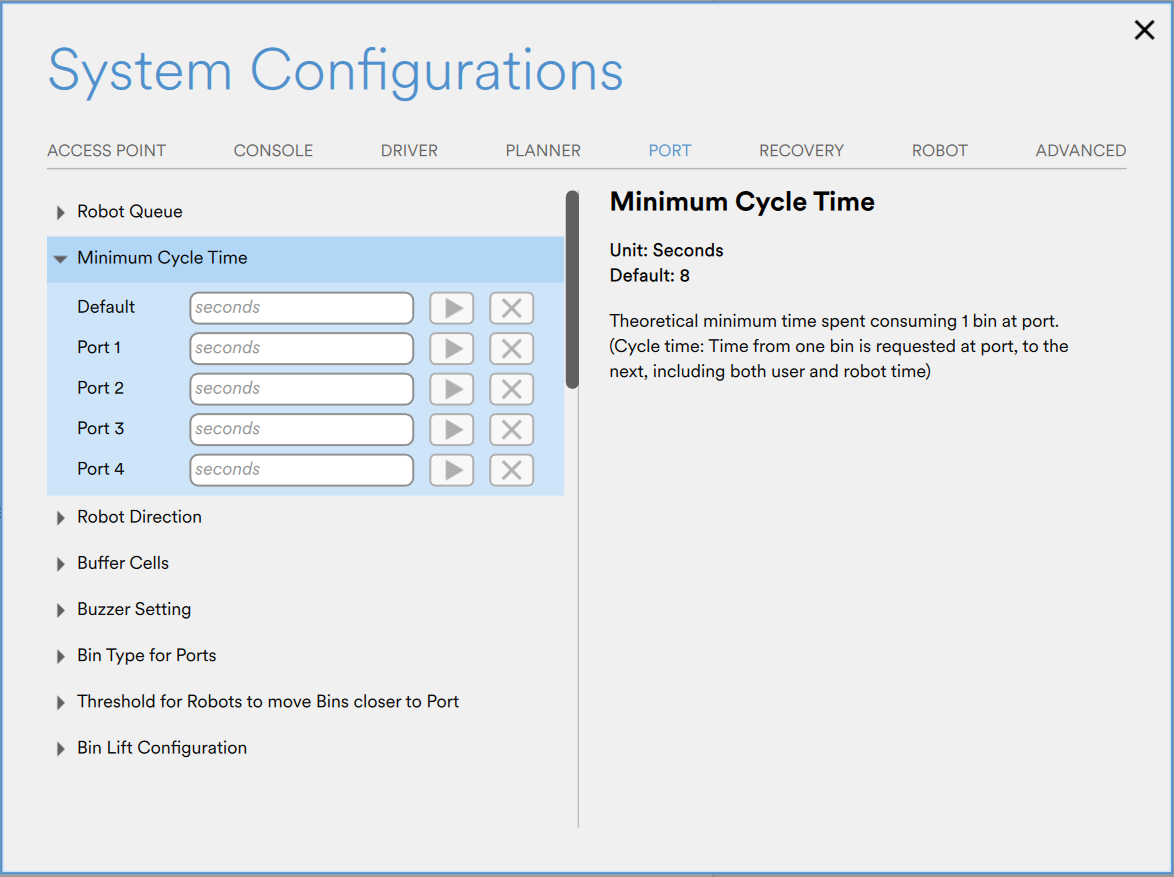
Settings in Console.
The theoretical minimum time required to process a single bin at a Port. It represents the elapsed time from when one bin is requested at the Port to when the next bin can be requested, and includes both user handling time and robot operation time.
| Port type | Suggested value |
|---|---|
| AS Planner - Default | 8s |
| AS Planner - SwingPort™ (8m lift) | 20s |
| AS Router | No value |
While the Minimum Cycle Time settings are still used in AS Planner, they are no longer used by the AS Router as of version 4.21.19 (2025). Instead, handling and cycle times are estimated based on events occurring in the port.
Updated 2 months ago