
WMS SDK 2023 -> 2024 Migration
Migrating from old WMS SDK (< 2023) to new 2024 WMS SDK
By default the 2024 WMS SDK uses the new V2 Interface (see Migration guide V2 page.)
If you have an old version of the WMS SDK application (similar to below) then you will need to follow a few IMPORTANT steps before installing the new 2024 WMS SDK.
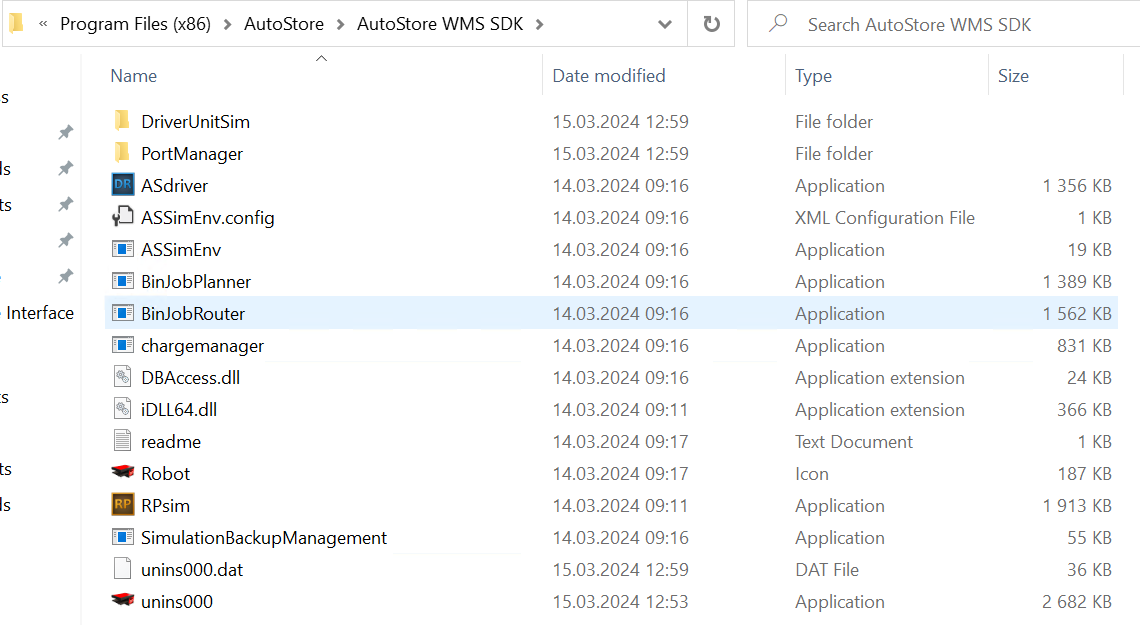
The new 2024 WMS SDK does NOT work with the old version.
The best practice would be to delete all the old WMS SDK modules and then install the new 2024 SDK.
The only exception to this would be if you want to still run the V1 of the Interface, in this case uninstall everything minus the AutoStore Interface and AutoStore Interface Http. If you are okay with using the V2 of the interface the disregard the next few steps.
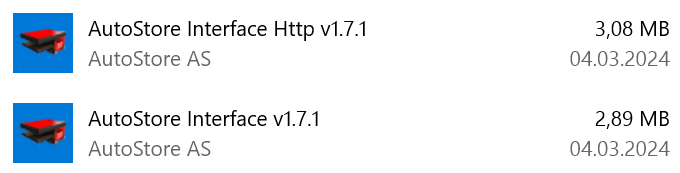
Once you have done this go ahead and install the new 2024 SDK tool. The 2024 SDK by default runs the V2 of the interface which has different endpoints, port requirements and some other minor changes (see the migration guide V2 for more details). To use V1 of the interface just go to the services and make sure “AutoStore Interface” is “Running”, this is the interface V1.

Interface V1 and V2 can both run in parallel, these are the only two modules that can do this. However you should NOT use both endpoints simultaneously.
Before installing the new WMS SDK please backup/delete your C:\ASDriverLog folder. You can rename it "ASDriverLog_old" if you'd like to back it up.
Updated 2 months ago